Batch of Real-Time
Data4Reportal can be used in two ways.
1. Data4Reportal Batch
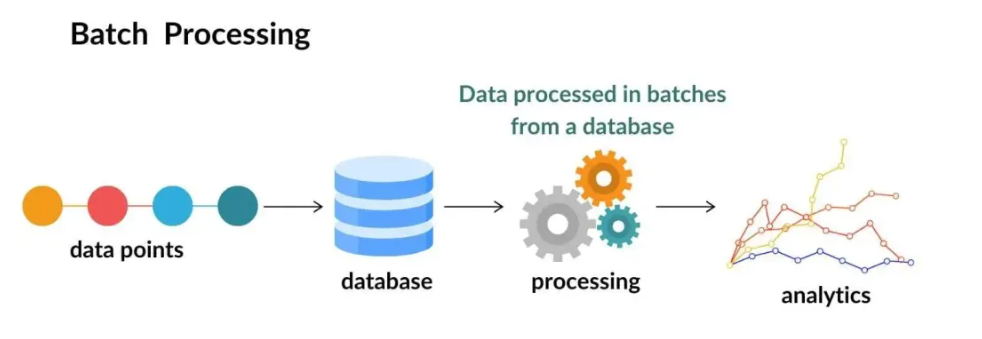
Data is uploaded and analyzed after the test has been executed.
With D4R Batch, you can securely store, manage, and analyze all your uploaded process data on a single platform. All data is accessible in one place, and only authorized users can access it — wherever they are. Additional data, such as project details or product recipes, can be added to process files, providing a full overview of the trials conducted.
Standard templates with graphs offer insights into the processes. Smart graphs with built-in AI calculations deliver even deeper understanding.
2. Data4Reportal Realtime
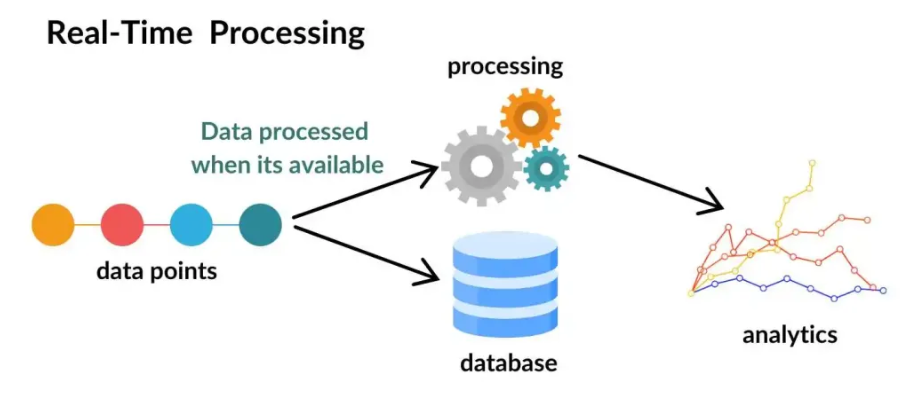
Data is uploaded and analyzed in real time.
D4R Realtime takes your data collection and analysis to the next level. You can enhance your system with additional alarms and checkpoints to gain more control over your process. When the system goes out of specification, you’ll receive an immediate notification, helping you quickly adjust or stop the test. This can save a significant amount of time, analysis effort, and cost.
Warnings for F₀, ΔT values, or indicators for fouling or pressure increases are just a few examples of what you can monitor during an aseptic process.
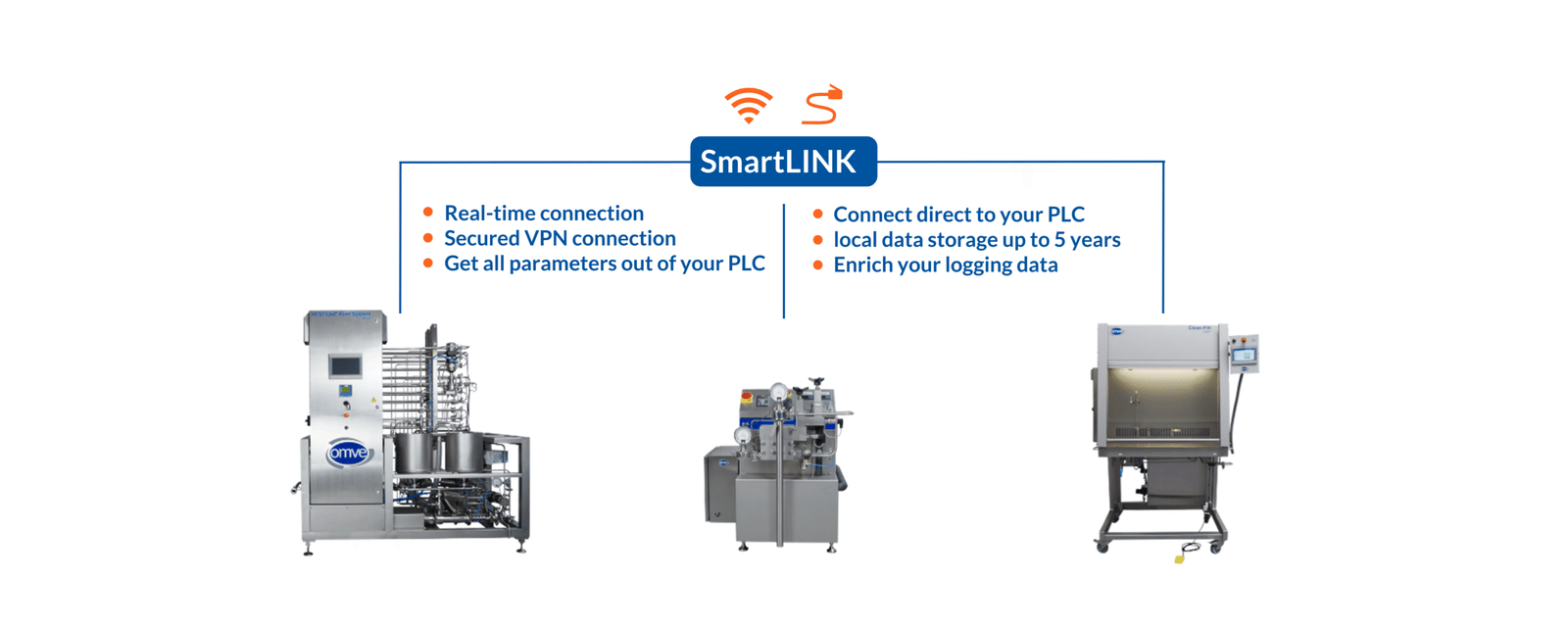
To use D4R Realtime, a direct connection with your equipment is required. This connection can be made via Wi-Fi or a LAN cable using OMVE’s SmartLink device.